Workbench / Tool 01 · OP 10 Quote
Quote Estimator
Price a cut and bent part line by line. Every rate can be changed, and nothing leaves your browser.
Demo estimate, not a binding quote.
Cost breakdown
Result · Demo
Enter a part and press Calculate.
Inputs changed. Fix any highlighted field, then press Calculate.
| Line | Batch cost |
|---|
The total is the sum of the lines above. Setup is charged once per batch, so ordering more lowers the setup share in each unit.
Assumptions used
- Enter a part to see the assumptions behind the result.
✓ You're on the list. We'll email you when there's something new to try.
How to price laser cutting jobs
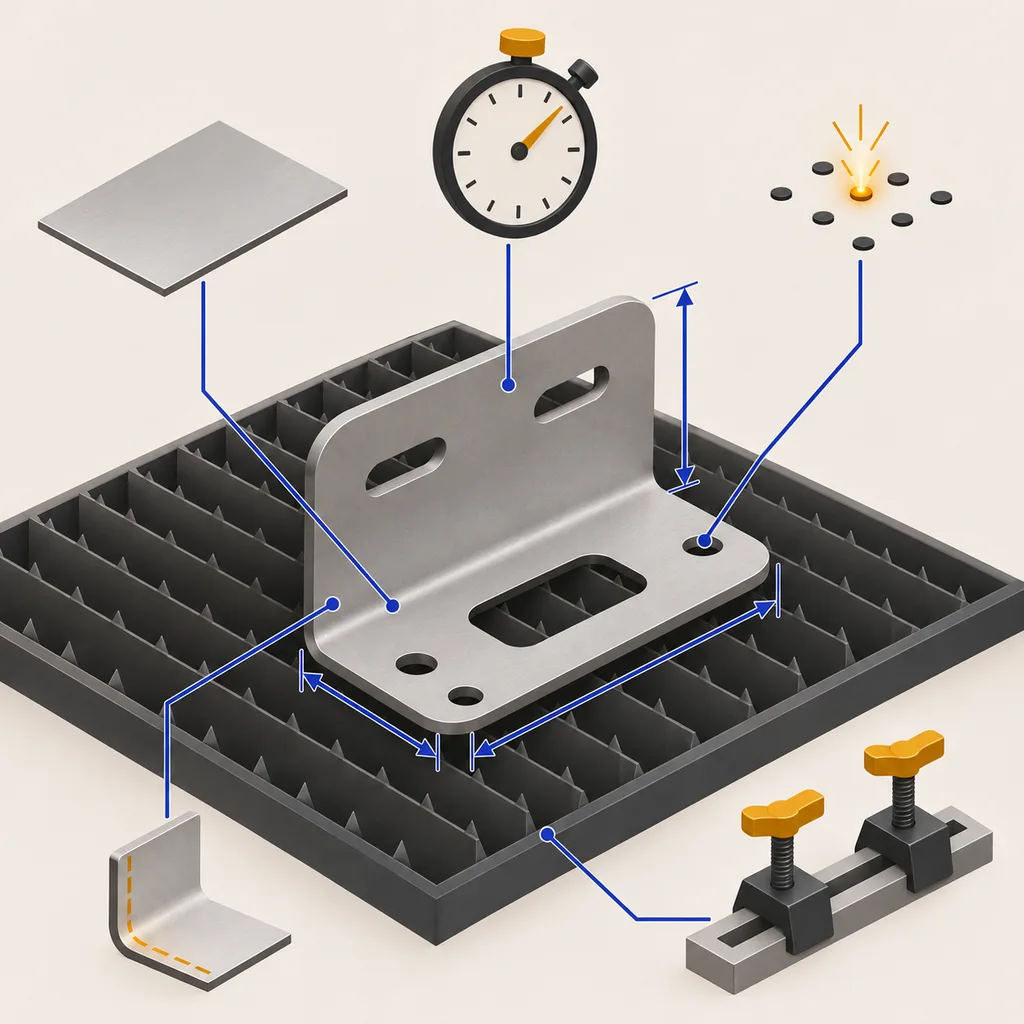
Most shops price a cut part from the same few drivers: how much metal it uses, how long the head is cutting, how many times it pierces, how many bends it needs and how long setup takes. This estimator splits the price along those lines, so you can see which one drives the cost.
Material
The part's bounding box (width × height) is multiplied by thickness and the material's density to get a weight. That weight is then multiplied by your price per kilogram or pound. Using the bounding box is the cautious choice, because it charges for the rectangle of sheet the part takes up.
Cutting
Cut length is the outside edge plus every hole. It is divided by a cutting speed from a demo table for laser, plasma or waterjet at the material and thickness you chose, then charged at your machine rate.
Pierces
Every separate contour needs a pierce, and on thicker plate pierces add up quickly. Each one is charged at the pierce time you set.
Bending
Each press-brake bend is charged at your bend time and machine rate.
Setup
Setup is charged once per batch. That's why quantity matters: the total setup stays the same, but the setup share in each part falls as the batch grows.
Its limits
This is a demo calculator, not a quoting system. It does not read your drawings yet (DXF upload is on the roadmap). It does not include finishing, freight or profit margin, and its default rates are examples, not market prices. Use it to check your reasoning and explain a price, then quote from your own numbers.
Who uses it
Estimators who want a fast way to back up a number; owners checking where margin goes; and buyers at hardware startups or makers who want to know what makes a part expensive before asking for quotes. When the price is set, see how the parts sit on a sheet in the Nesting Yield Preview and check the hours in the Shop Schedule Planner.